


Use Domino Apps to turn code in your project into an interactive web application. Apps run in containerized environments that provide routing, authentication, resource management, and isolation from other project workflows.
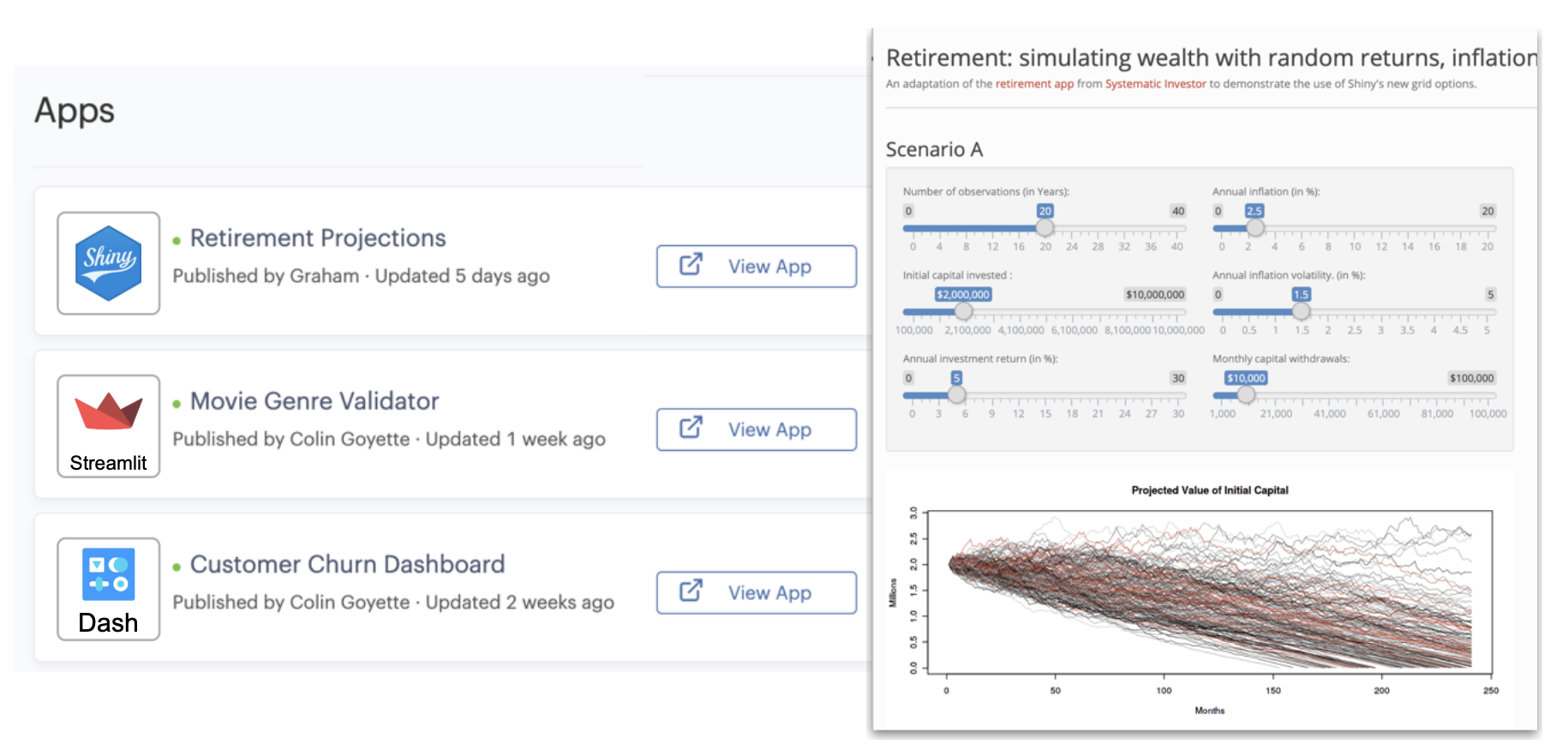
You can use Apps to share tools built with frameworks such as Streamlit, Dash, Shiny, and Flask. Domino handles the infrastructure so you can focus on your app logic.
-
Interactive UI delivery: Publish live dashboards, forms, or visualization tools directly from your Domino project.
-
Built-in routing and security: Domino proxies all requests to your App and handles identity injection, access controls, and URL routing.
-
Flexible runtime configuration: Each App has its own compute environment, hardware tier, and Git branch. Apps run independently of Workspaces and Jobs.
-
Multiple Apps per project: You can define and publish multiple Apps in the same project. Each App has a unique or custom URL.
Domino Apps make data science insights directly accessible across the organization through simple, browser-based interfaces. They provide a simple, browser-based interface so stakeholders and operational teams can interact with models, dashboards, and tools without technical setup.
Use cases for Domino Apps include:
-
Stakeholder delivery: Share both early prototypes and final products in a format stakeholders can use directly.
-
Operationalizing data science: Deploy models or workflows as interactive applications.
-
Business decision support: Provide calculators, scenario testing, or model outputs through a user-friendly UI.
-
Analytics dashboards: Publish visualizations and monitoring tools for stakeholders or operations.
-
Data exploration: Enable interactive exploration of datasets, models, or what-if scenarios.
Apps are best when you need to put data science in front of the business, making results easy to consume, interpret, and act on.
Apps are not intended for persistent workflows or large-scale back-end processing. For batch operations, automation, or long-running pipelines, Create and run Jobs or Scheduled Jobs. For collaborative development or exploratory work, use Workspaces.
When you publish or start an App, Domino provisions resources and runs your defined configuration:
-
Provision a container and mount project files.
-
Apply the selected compute environment and hardware tier.
-
Execute the launch file to start the web server.
-
Route traffic through a secure proxy and inject request headers.
Each App is defined by four key elements: launch file, compute environment, hardware tier, and code branch. App Structure and Lifecycle has more detailed descriptions of each element.
Access to Project resources
When an App runs, it executes in a container with access to specific project resources. These resources define what the App can read, write, or connect to during execution.
-
Project files: Available read/write inside the container.
-
Datasets: Mounted with read/write access (if enabled). Access follows the App starter’s permissions, or can be filtered by the requester’s identity through the Dataset API.
-
Data sources: Available using the App starter’s credentials. You can also apply per-requester logic if identity propagation is enabled.
-
Environment variables: Injected from the App starter and project settings. Useful for securely passing secrets or configuration.
Note: File changes inside an App container are not saved to the project repository. To persist results, write to Datasets or external systems.
Apps can integrate with many of Domino’s core platform features, but not all features behave the same way in the context of an App. Use the table below to understand what is supported, what is limited, and what to watch out for when building Apps that need access to datasets, data sources, clusters, volumes, and more.
| Feature | Supported in Apps | Notes |
|---|---|---|
Datasets | Yes | Accessible via file API; use the Dataset API + user identity for per-user control. |
Data Sources | Yes | App inherits the starter’s permissions. |
Compute Clusters | Partially | Requires manual configuration and uses the App starter’s permissions for access. |
NetApp Volumes | Yes (Read/Write) | Mounted volumes are available inside the App container. |
Environment Variables | Yes | Project-level and user-level variables from the App starter are injected at runtime. |
Version Control (Git) | Yes | App runs code from the selected Git branch and commit. |
App Output Persistence | No | File changes inside the App are not saved to the project. |
-
Publish and share an App: Create and publish an App, customize its URL, and share it with authorized users
-
App Structure and lifecycle: Understand how Apps are defined, provisioned, scaled, and stopped
-
App security and identity: Control access to data and resources using identity propagation and viewer-specific permissions
-
Persist data from Apps: Save results from your App to Datasets or external storage
-
Best Practices for Apps: Tips for building reliable, maintainable, and discoverable Apps