


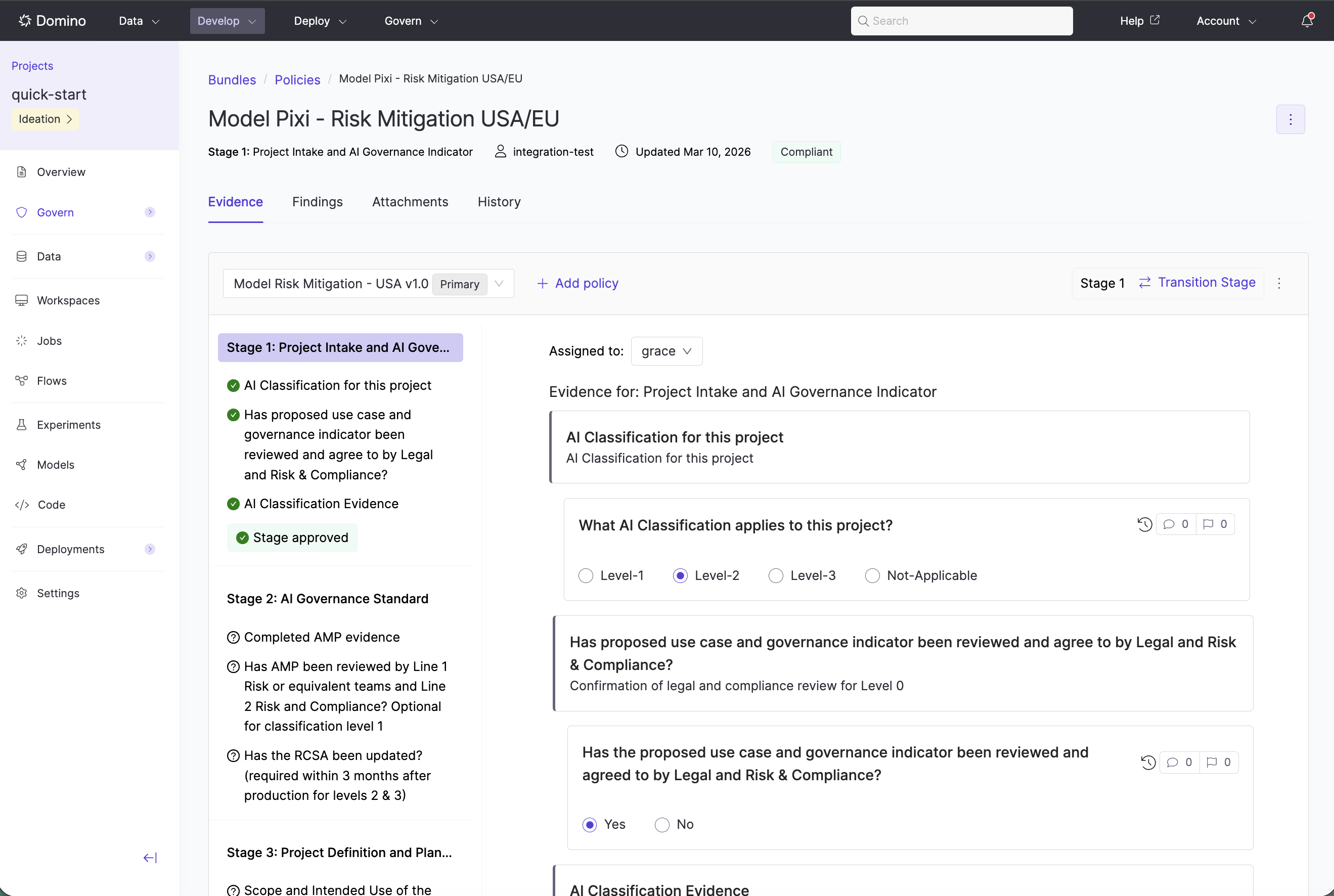
The Evidence notebook is the primary workspace for documenting work and justifying project advancement. It combines narrative context and executable code, letting practitioners generate results programmatically rather than filling out static forms.
The Evidence notebook provides a unified environment for evidence collection, review, and approval. The following features support the governance workflow.
Integrated evidence and review
The notebook is the single interface for satisfying policy requirements. Modelers, reviewers, and validators collaborate in one place to achieve compliance. Modelers answer risk questions and provide technical evidence. Reviewers and validators access the same environment to examine and approve. If a reviewer identifies a gap, they log a finding within the bundle, creating a feedback loop for remediation.
-
Add findings to a bundle: document issues and track resolution
-
Review and approve bundles: submit bundles for formal approval
-
Attachments: link assets and supporting evidence to a bundle